Choose a Technical SEO Tool by Task: Crawling, Rendering, Indexing, or Logs
Find the right tool for a technical SEO issue: bulk crawling, page rendering, Google indexing, or bot requests in server logs.
Start with the question, not the tool list
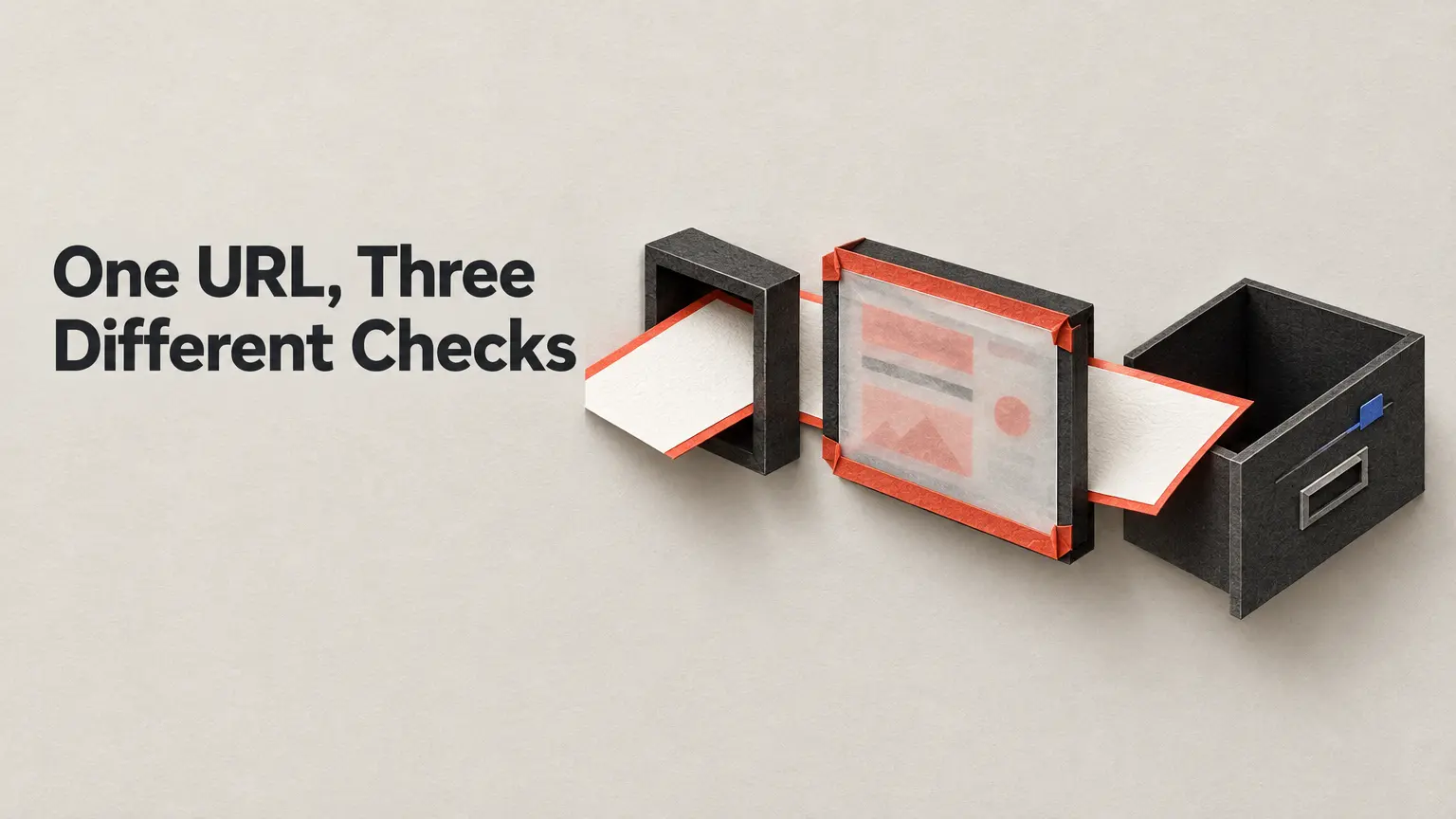
If you suspect an incorrect canonical tag across thousands of URLs, start with a site crawler. If one page appears to lose its main content when rendered, test that page. If the question is whether Google reports a URL as indexed, look in Google Search Console. If you need to know which bots requested URLs, examine server logs.
These tools observe different stages. A third-party crawler can collect links, response codes, redirects and tags across a site; it cannot establish whether Google indexed the pages it found. DebugBear’s technical SEO checklist makes that distinction between an implementation audit and search-engine index status. Pick the observation that matches the suspected failure before choosing a product.
Crawl in bulk to find implementation patterns
A crawler is useful when the issue may repeat: redirected internal links, deep pages, unexpected response codes, or inconsistent canonical and noindex tags. Screaming Frog, Sitebulb and Oncrawl are examples of tools described as crawling sites in bulk to examine architecture, links, responses, redirects and tags. The practical output is a set of URLs to investigate—not a verdict on what Google has indexed.
For example, suppose a template change may have added a noindex tag to a group of pages. Crawl the affected section, filter for the tag, and inspect representative URLs against the intended template. After changing the template, repeat the crawl with comparable scope and settings. A reduced set of affected URLs shows that the crawler now sees a different implementation. It does not prove that Google has recrawled or indexed those pages.
Match specialized views to the question. To investigate click depth, Backlinko describes sorting a Screaming Frog crawl by its Crawl Depth column. Its guide also points to Semrush Site Audit’s Site Structure view for hierarchy checks. For a starting point with a reported free option, Ahrefs describes its Site Audit Indexability report as available in Ahrefs Free. Tool access, limits and features can change; check the provider’s current terms before planning an audit around a free tier.
A crawler warning still needs interpretation. An unexpected redirect in the crawl may be the problem, or it may be intentional. Compare the URL and destination with the link or redirect you meant to publish before making a change.
Test rendering at the scale of the problem
For one page’s Google-facing render, use Search Console URL Inspection’s real-time test. It can show how the tested page renders; check whether the content relevant to your concern appears there. DebugBear describes URL Inspection as an individual-URL tool for crawling, rendering and indexing investigations, including a real-time render test.
Use Chrome DevTools for a different job: debugging the page in a browser, particularly rendering and performance problems. If the concern is content visible to Google on desktop or mobile, the Rich Results Test can also help inspect that content, as Ahrefs notes. A browser debugging session, an individual Google-facing test and a bulk crawl are not interchangeable observations.
Suppose a page’s key text appears in your browser but not in the live test. Inspect the relevant rendered content and the resources involved, then investigate the difference before deciding what to change. After the page change, rerun the relevant test. A live test showing the intended content establishes what that test rendered at that time; it does not establish lasting index status or ranking.
Check indexing in Google’s reports
When the question is what does Google report about indexing?, start with Search Console’s Page Indexing report. It shows indexed and non-indexed URL groups, counts and possible reasons. Backlinko’s guide points to its reports for issues including noindex tags, blocked URLs, broken pages and canonical issues. Use URL Inspection to investigate a particular URL rather than treating a site-wide label as a complete explanation of that page.
Keep the sequence explicit: identify the reported state, inspect the affected URL and implementation, make the warranted change, then check the reports again. A recrawl request is a request, not evidence that the reported indexing state has changed. Nor does a clean third-party crawl override a non-indexed state reported in Search Console: the two tools answer different questions.
Use logs when the question is about requests
Search Console’s Crawl stats report is a starting point for Google crawling patterns, but its view is based on a sample and time frame. For a broader view of requests—including requests attributed to other crawlers—use server logs. Ahrefs’ technical SEO guide points to raw logs and, on some cPanel hosting setups, aggregators such as AWstats and Webalizer.
Choose the logs and time range before drawing a conclusion. If a URL appears, you have evidence of a request recorded in those logs during that period. If it does not, first check whether the relevant server, host and dates are represented. A request record alone does not show that the page was rendered, indexed or ranked. A bot name in a log also should not be mistaken for an indexing report.
Match the check to the task
| Question | Start with | What a follow-up can establish | What it cannot establish |
|---|---|---|---|
| Did a bulk implementation issue change? | Site crawler | A repeat crawl sees changed links, redirects, responses or tags in its scope. | Google index status. |
| Does one page show the intended content in a Google-facing render? | URL Inspection live test | The tested render reflects the page change. | Lasting index status or ranking. |
| What indexing state does Google report? | Search Console Page Indexing report; URL Inspection for a URL | The reported state and reasons for the inspected scope. | That requesting a recrawl fixed the issue. |
| Which bots requested these URLs? | Server logs; Crawl stats for Google crawling patterns | Requests recorded in the selected logs and time range. | Rendering, indexing or ranking of the requested pages. |