Structure URLs and internal links
Pagination SEO: Link Every Page and Give Each Page Its Own Canonical URL
Build crawlable pagination with distinct URLs and self-referencing canonicals, then check the published links and listed items.
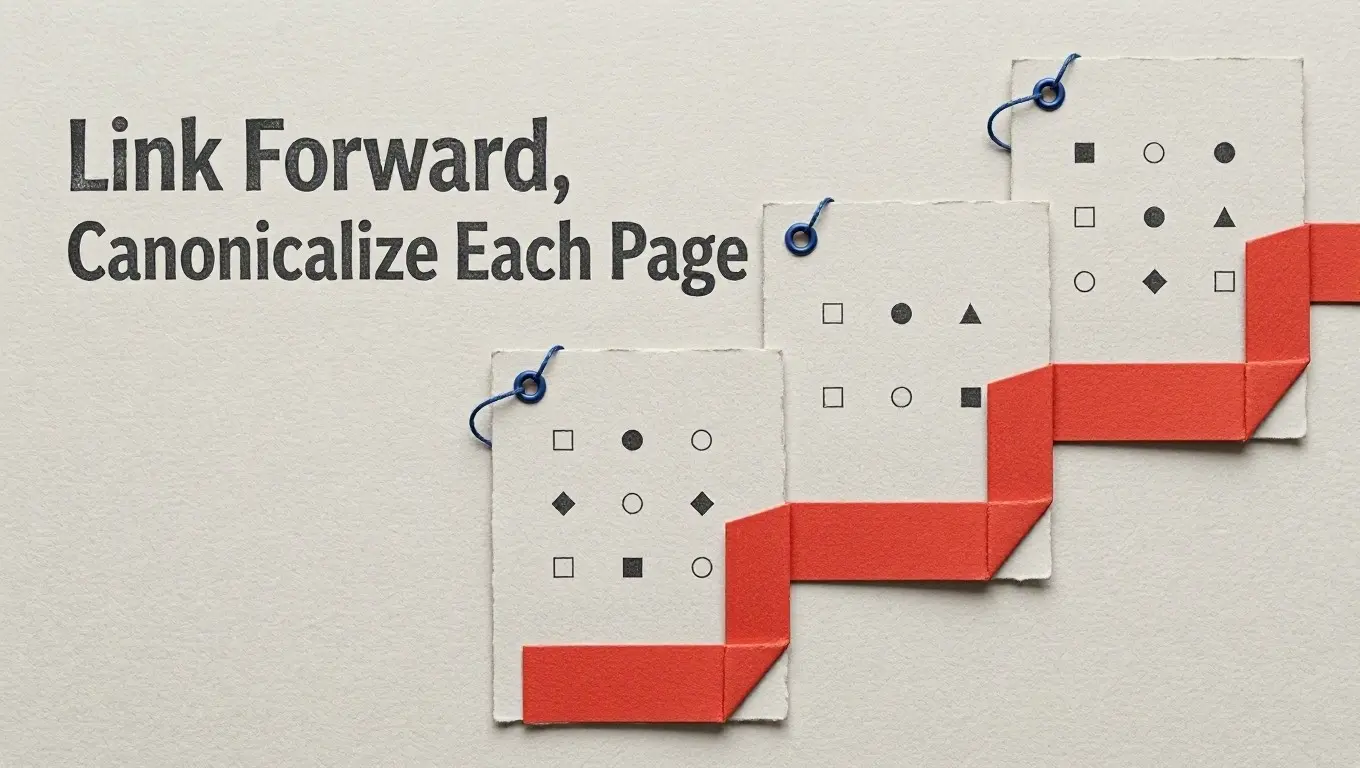
A paginated category is a set of linked pages, not one page with several screen states. For Google Search, give each page a distinct URL, put an ordinary link to the next page on each page that has one, and make each page’s canonical URL its own URL. Those three decisions give you something concrete to inspect after publication.
Use a URL for each page
Pagination means splitting a listing across pages. Suppose a catalog has three pages: https://example.com/catalog/, https://example.com/catalog/?page=2, and https://example.com/catalog/?page=3. The query parameter identifies which part of the listing the visitor requested. Google treats URLs in a paginated sequence as separate pages, and its guidance gives ?page=n as an example.
Do not make page two merely https://example.com/catalog/#page=2. Google ignores URL fragments for pagination; a link that differs only after # may look to Googlebot like a page it has already retrieved. The same concern applies if the only way forward is a button that changes the visible items after a click. Google generally discovers URLs in anchor href attributes and generally does not trigger JavaScript that requires a user action. A button can be part of the interface, but it should not be the only route to the next page.
Link forward and give each page its own canonical
Here is a compact, hypothetical three-page catalog. Each snippet represents the HTML served at the URL above it; the item URLs are illustrative. Page one links to page two, page two links to page three, and later pages offer a way back. There is no Next link on the last page because this example ends there.
https://example.com/catalog/
<!doctype html>
<html lang="en">
<head>
  <title>Catalog</title>
  <link rel="canonical" href="https://example.com/catalog/">
</head>
<body>
  <main>
    <h1>Catalog</h1>
    <ul><li><a href="/items/alpha/">Alpha</a></li></ul>
    <nav aria-label="Catalog pages">
      <a href="/catalog/?page=2">Next: page 2</a>
    </nav>
  </main>
</body>
</html>
https://example.com/catalog/?page=2
<!doctype html>
<html lang="en">
<head>
  <title>Catalog — page 2</title>
  <link rel="canonical" href="https://example.com/catalog/?page=2">
</head>
<body>
  <main>
    <h1>Catalog — page 2</h1>
    <ul><li><a href="/items/bravo/">Bravo</a></li></ul>
    <nav aria-label="Catalog pages">
      <a href="/catalog/">Page 1</a>
      <a href="/catalog/?page=3">Next: page 3</a>
    </nav>
  </main>
</body>
</html>
https://example.com/catalog/?page=3
<!doctype html>
<html lang="en">
<head>
  <title>Catalog — page 3</title>
  <link rel="canonical" href="https://example.com/catalog/?page=3">
</head>
<body>
  <main>
    <h1>Catalog — page 3</h1>
    <ul><li><a href="/items/charlie/">Charlie</a></li></ul>
    <nav aria-label="Catalog pages">
      <a href="/catalog/">Page 1</a>
      <a href="/catalog/?page=2">Previous: page 2</a>
    </nav>
  </main>
</body>
</html>
The forward links are the discovery path: Google recommends an <a href> link from each page to the following page to help Googlebot find it. Links from later pages back to page one serve a different purpose. Google says they can hint that the start of the collection is a better landing page; they do not replace the forward links.
Notice that page two’s canonical points to ?page=2, not /catalog/. A canonical on every later page pointing to page one would contradict Google’s guidance to give each page its own canonical URL. It would also describe distinct portions of this example listing as though they shared one preferred URL. Keep the canonical decision separate from the navigation decision: linking back to page one does not mean declaring it canonical for the whole series.
Check the pages that were published
Start at /catalog/ and follow its Next link. Continue until the final page. At each stop, record the resulting URL and inspect the page’s canonical element. The URLs should identify different pages, and each canonical should name the URL of the page you are inspecting—not page one by default. If a link only changes a fragment, or the apparent next page has no href, fix the navigation rather than assuming the visible control is enough.
On page two and page three, inspect the HTML for links to their listed items as well as the pagination links. Otherwise, reaching a later listing page does not establish that its item URLs are exposed there. These checks establish what your site publishes: a link path through the series, distinct page URLs, canonical declarations, and links to listed items. They do not show whether Google has crawled or indexed every page, or how any page will rank.